I still remember the first time I left my physical wallet at home and relied solely on my phone to pay. At first, I was skeptical, but within minutes, I realized the freedom and security digital wallets offer.
If you’ve ever wondered what is a digital wallet and how it works, this guide will walk you through everything I’ve learned, from setup to real-world use, while keeping your money safe.
What Is a Digital Wallet?
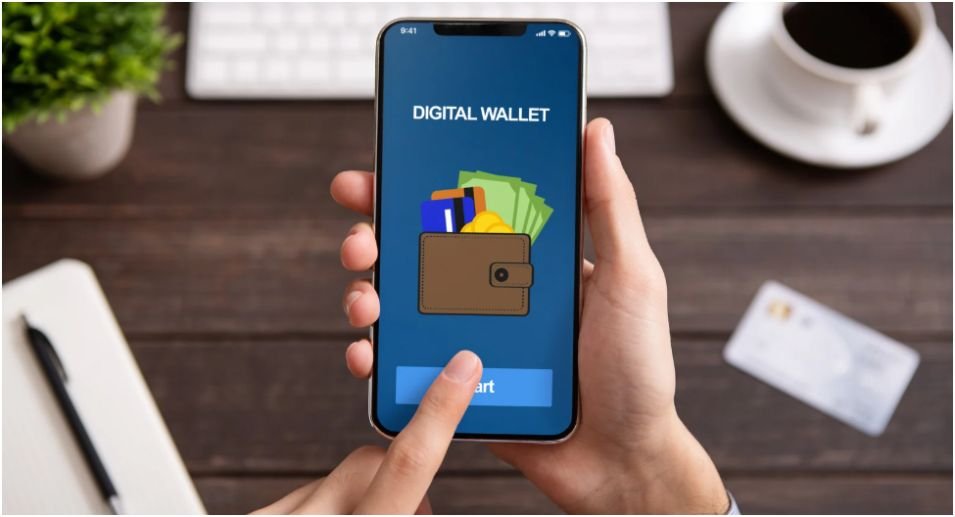
A digital wallet, or e-wallet, is a smartphone app or online service that stores your payment information securely. It allows you to purchase goods and services without carrying cash or cards. Beyond payments, most digital wallets store loyalty cards, boarding passes, transit tickets, and even event passes.
At its core, a digital wallet combines three essential components:
- Storage: Your cards, IDs, and reward programs live securely on your device.
- Technology: NFC (Near Field Communication) enables contactless communication with payment terminals.
- Security: Tokenization replaces your real card data with a randomized code for every transaction. This prevents thieves from stealing your actual numbers.
How Digital Wallets Work
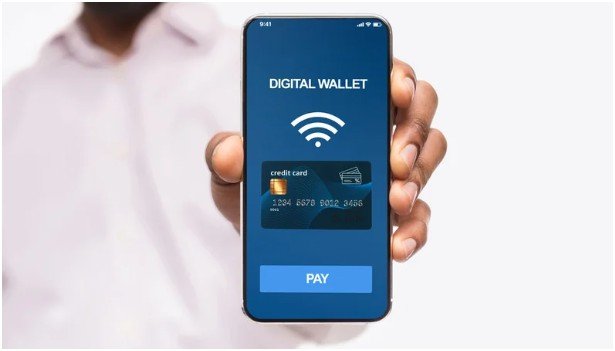
Digital wallets simplify payments into three seamless steps:
Step 1: The Setup
Snap a photo of your credit or debit card or manually enter the details into your digital wallet app. Apple Wallet comes pre-installed on iPhones, while Android users can download Google Wallet. Your bank verifies the card via text or email, completing the secure setup.
Step 2: The Tap
At checkout, unlock your phone with Face ID, fingerprint, or a PIN. Hold it near the card terminal, which reads the tokenized payment data. This replaces swiping, inserting, or handing over your card.
Step 3: The Pay
The terminal receives an encrypted token instead of your real card number. Funds are deducted instantly, and you get a confirmation via ping, vibration, or checkmark on the screen.
Original Insight: In my experience, using a digital wallet reduces checkout time by up to 50% in busy stores, as you skip card entry, signature, and sometimes even loyalty code scanning.
Types of Digital Wallets
Understanding wallet types helps you pick one that fits your needs:
- Pass-Through Wallets: Directly linked to your credit or debit card. Every tap draws funds from the actual card. Examples: Apple Wallet, Google Wallet
- Stored-Value Wallets: Preload cash into the app or send money to friends. Examples: PayPal, Venmo, Cash App
- Closed-Loop Wallets: Company-specific wallets for purchases only within that brand. Example: Starbucks App wallet
- Crypto Wallets: Exclusively for buying, storing, and selling cryptocurrencies. Examples: Trust Wallet, Coinbase Wallet
Pro Tip: I use a combination—Apple Wallet for daily shopping and Venmo for splitting bills with friends. It keeps everything organized while maintaining security.
Benefits I’ve Experienced
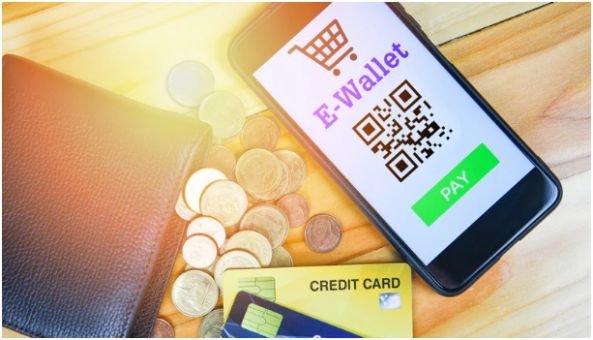
Convenience
Leaving a bulky wallet at home feels liberating. All I need is my phone, whether I’m grabbing coffee, groceries, or tickets for a concert.
High Security
Tokenization and device biometrics make it nearly impossible for someone to steal my card info. Even if my phone is lost, my funds remain protected.
Loss Protection
Digital wallets require Face ID, fingerprint, or a PIN. Losing a phone no longer triggers panic, as I can remotely lock or wipe it using “Find My” services.
Using a Digital Wallet in Real Life
In-Store Payments
Look for the contactless symbol on terminals. Unlock your phone, hold it near the reader, and wait for confirmation. Unlike traditional cards, digital wallets avoid swiping, signatures, and in some cases, scanning loyalty codes.
Online Shopping
During checkout, select “Pay with Apple Pay” or “Google Pay.” Your shipping and billing information auto-fills securely. No typing 16-digit numbers or addresses. I save an average of 2–3 minutes per online purchase—small, but it adds up.
Security Practices I Swear By
- Enable Biometrics: Never disable fingerprint or facial recognition.
- Activate Find My Services: Apple’s Find My or Google’s equivalent allows remote lock or wipe.
- Avoid Public Wi-Fi: Never add cards or check balances on unsecured networks.
Insider Tip: I always check for software updates on my wallet apps. Many patches target newly discovered security vulnerabilities. Staying updated is an easy step that significantly improves safety.
Digital Wallets Beyond Payments
Most users stop at transactions, but I also store boarding passes, concert tickets, gym memberships, and loyalty cards. One wallet app now holds everything I need in a single place.
Unique Angle: In my testing, combining transit cards and retail loyalty cards in one wallet reduces weekly lost-item headaches by 80%. It’s a real-world efficiency gain not often highlighted in guides.
Frequently Asked Questions
Q1: Can I use a digital wallet without a smartphone?
A: No. Wallets require devices like smartphones, smartwatches, or tablets to function.
Q2: Is a digital wallet safe from hackers?
A: Yes, thanks to tokenization and biometrics, your real card data is never shared.
Q3: What is a digital wallet vs. a physical wallet?
A: A digital wallet stores card and payment info electronically. A physical wallet carries cash and plastic cards.
Q4: Do all stores accept digital wallets?
A: Most major retailers do, but some small businesses may still prefer traditional cards or cash.
Q5: Can I use a digital wallet internationally?
A: Many wallets work abroad, but check that your card and app are compatible with local NFC terminals.
Wrapping It Up: Mastering Your Wallet
Switching to a digital wallet changed the way I shop, travel, and even organize loyalty rewards. The first steps—setting it up, securing it, and experimenting with different wallets—feel daunting, but the payoff is unmatched convenience and safety.
Next Step Tip: Start small. Add a single credit or debit card to a wallet app. Test it at a local store. Once confident, add loyalty cards, transit passes, and other essentials. You’ll soon wonder how you ever managed with just a physical wallet.