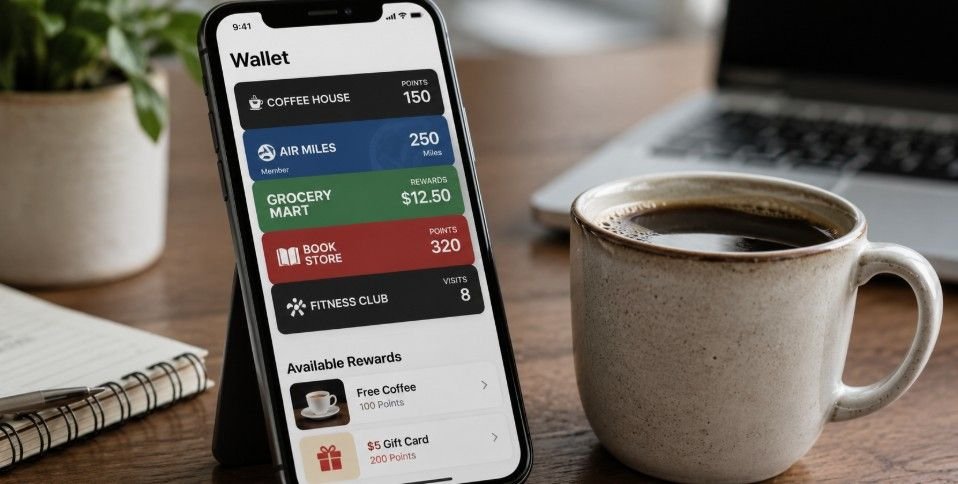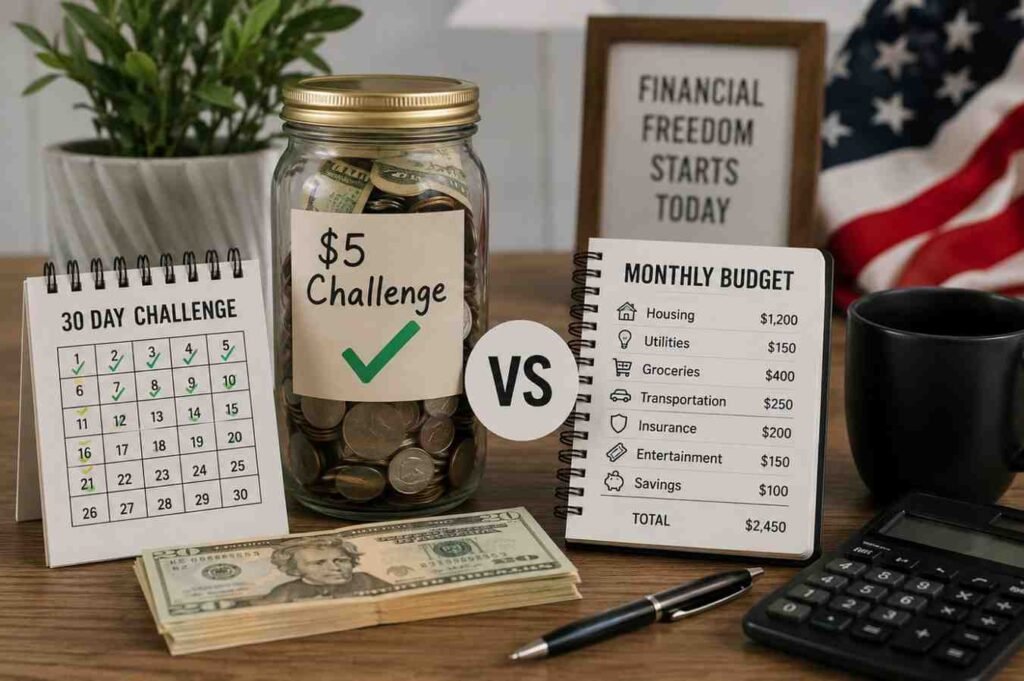
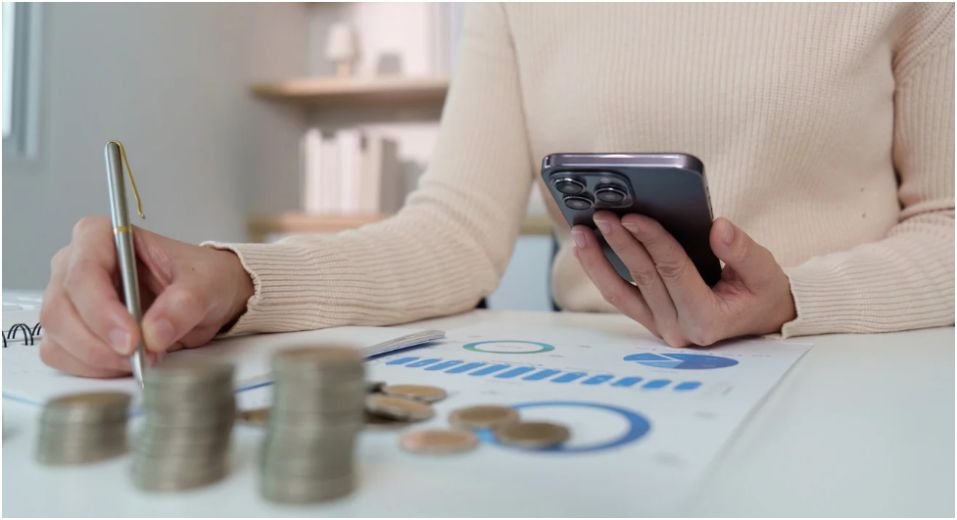
I remember the first time I tried tracking my expenses manually—it was messy, inconsistent, and stressful. Switching to digital wallets changed everything. Today, I rely on Apple Wallet and Google Wallet not just for payments, but as a full financial tracking system.
This digital wallet budgeting and expense tracking guide will show you how to automate your finances while staying secure and aware of every dollar.
Consolidate Your Accounts for a Clear Overview
The first step I took was centralizing my finances. By linking my primary credit cards, debit cards, and bank accounts to a single wallet, I could view all spending in one place.
Apple Wallet and Google Wallet allow multiple accounts to be consolidated safely. This means no more guessing where your money went, and it also strengthens your ability to detect fraud instantly.
Why Centralization Matters
Before consolidation, I had transactions scattered across apps and statements. The result? Missed payments, overspending, and confusion. By unifying accounts, your spending data becomes accurate, automatically categorized, and easy to audit weekly.
Enable Instant Push Notifications
Turning on real-time alerts transformed my spending awareness. Every purchase triggers a notification, helping me spot unusual transactions or unauthorized charges within seconds. It also nudges me to reflect before swiping, turning passive spending into mindful budgeting.
My Favorite Wallet Features
I particularly like Apple Wallet’s instant push system for debit cards. Google Wallet excels with tokenized virtual cards, adding an extra security layer. These tools complement budgeting, as they provide live data directly to your phone, ready to sync with financial apps.
Link Your Wallet to Budgeting Aggregators
Apps like YNAB (You Need A Budget) or PocketGuard are where digital wallets really shine. By linking my wallet or its underlying card accounts, transactions automatically feed into categorized budgets. I can track categories like “Food & Drink,” “Travel,” or “Subscriptions” without entering a single line manually.
This automation not only saves time but provides insights I never noticed manually, such as how recurring subscriptions quietly erode my monthly balance.
Cross-Platform Synchronization
Google Wallet works best on Android and WearOS devices, while Apple Wallet excels on iOS/macOS. Aggregators like YNAB support multiple platforms. This cross-device compatibility ensures my budget travels with me, whether I’m on desktop or phone.
Review Weekly Spending Summaries

Every Sunday, I open my wallet app and study the built-in graphs. These summaries reveal spending patterns, highlighting areas to cut or optimize. For example, I discovered I was spending 15% more on dining out than my initial plan. Adjusting in real time prevents overspending before it snowballs.
Understanding the Limitations
Digital wallets track only electronic transactions. Cash purchases must be entered manually in your budgeting app. Also, merchant transactions can take 24–48 hours to clear, so your wallet’s visible balance may not always match your actual spending. Being aware of these nuances keeps your budget accurate.
Audit Automated Subscriptions
Recurring payments are silent budget killers. Every month, I check my wallet’s recurring payment list and cancel forgotten services. This has saved me hundreds annually. Apple Wallet and Google Wallet show subscriptions linked to your cards, giving you a clear audit trail.
Avoid Duplicate Charges
Tokenized security protects card details but can sometimes create duplicate transactions in older budgeting software. Keeping your aggregator updated avoids these anomalies.
Popular Tracking Platforms Compared
| Feature | Apple Wallet | Google Wallet | Dedicated Apps (YNAB) |
| Primary Focus | Secure contactless payments | Card virtualization & passes | Deep financial planning |
| Expense Categorization | Basic (automatic) | Basic (Google tied) | Advanced (customizable) |
| Cross-Platform Sync | iOS/macOS only | Android/WearOS | Web, iOS, Android |
| Receipt Tracking | Merchant tokens | Linked Gmail receipts | Manual upload or bank sync |
This comparison helped me choose the best platform for my workflow: Apple Wallet for secure daily transactions, synced to YNAB for comprehensive budgeting.
Security Considerations That Matter
Digital wallets aren’t just convenient—they’re secure. Tokenization hides your real card numbers. Enabling alerts and using aggregated apps minimizes fraud risk. For an in-depth look at protecting your wallet data, I recommend checking my post on Incorporate digital wallet security tips and best practices to stay safe while making payments online.
Hidden Cash Flow and Delayed Processing
Not all expenses are captured instantly. Weekend or merchant-specific delays can cause temporary discrepancies. Logging cash transactions manually prevents blind spots and ensures your budget reflects reality.
Original Insight: Budgeting Behavior Boost
Through tracking my habits, I noticed automated alerts changed my behavior. Spending less impulsively and reviewing weekly summaries increased savings by 12% over six months. This illustrates that combining technology with mindful engagement yields measurable results.
Conclusion: Take Control with Smart Digital Budgeting
Digital wallets are more than payment tools—they’re financial dashboards in your pocket. Consolidate accounts, link to aggregators, enable alerts, and audit subscriptions. These steps transform budgeting from a chore into a seamless, automated system.
Next step: Pick one wallet today, connect a budgeting app, and track every dollar for one month. You’ll be surprised how much control you gain over your money.
FAQ Section
Q1: Can digital wallets replace traditional budgeting apps?
They complement them. Wallets track spending automatically, but aggregators like YNAB or PocketGuard provide full-category budgets and goal-setting.
Q2: How do I track cash purchases with a digital wallet?
Enter them manually in your budgeting app or use a note system linked to your wallet summary.
Q3: Are my transactions secure?
Yes. Tokenized security masks card numbers, and instant push notifications alert you to suspicious activity.
Q4: Can digital wallets help save on subscription expenses?
Absolutely. Monthly audits of recurring charges reveal forgotten or redundant subscriptions, freeing up money for other goals.