When I first switched to using a digital wallet, I quickly realized the convenience came with serious responsibility. Losing access or falling victim to fraud could happen in seconds. Over the years, I’ve discovered practical digital wallet security tips and best practices that protect both my money and my personal data.
Digital wallets are more than just virtual versions of your cards—they store sensitive financial information. That means knowing how to secure your wallet is non-negotiable. From leveraging security features in digital wallets to adopting daily habits, the right combination keeps hackers and fraudsters at bay.
Core Security Features in Digital Wallets
Impact of digital wallets on personal finance can be witnessed by several advanced technologies to keep transactions and information secure. Understanding these features makes it easier to use your wallet safely.
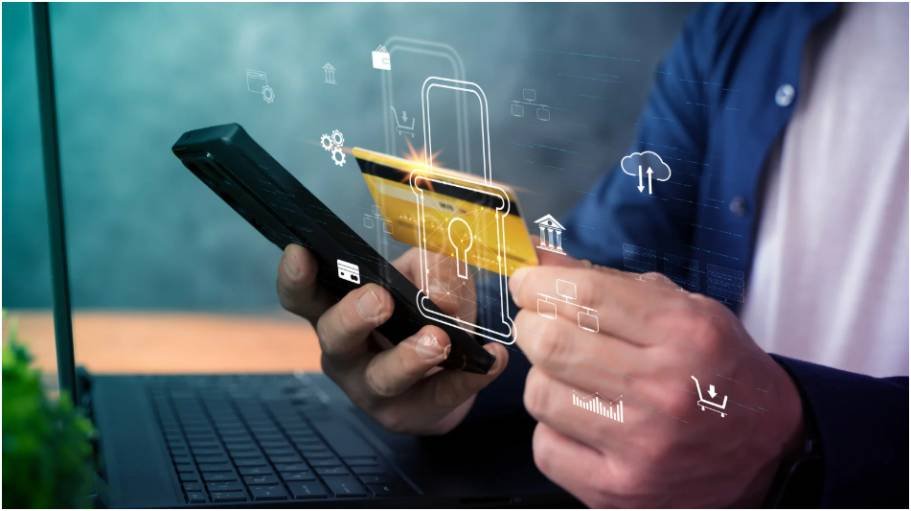
Encryption Protocols
Most wallets use multiple layers of encryption:
- Tokenization replaces your real card numbers with randomized digital identifiers. Even if intercepted, your actual card details remain hidden.
- Device Account Numbers mask your real card data by storing an alternate number on your phone.
- Point-to-Point Encryption (P2PE) ensures that transaction data is scrambled from your device to the payment terminal.
- Secure Element Chips physically isolate your cryptographic keys in the device hardware, reducing exposure to malware.
Identity Verification Mechanics
These mechanisms ensure that only you can authorize payments:
- Biometric Authentication: Fingerprint or facial recognition verifies identity instantly.
- Cryptographic Handshakes create one-time dynamic codes for every transaction.
- Device Binding locks the wallet to your specific smartphone.
- Out-of-Band Verification requires bank approval via SMS, email, or banking apps during setup.
Defensive System Features
Wallets can detect suspicious activity and prevent breaches in real time:
- Remote Wipe allows you to erase wallet data via iCloud or Google Find My Device if your phone is lost.
- Real-Time Fraud Monitoring uses AI to flag unusual spending patterns.
- Automatic Session Timeouts log you out after brief inactivity.
- Root/Jailbreak Detection disables the wallet if the device’s system security is compromised.
Strong Authentication Controls
Even the most advanced digital wallet security features are only effective if you implement them personally.
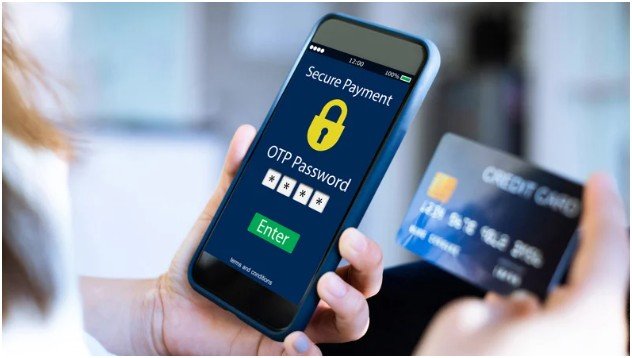
Biometric Access and Two-Factor Authentication
I always enable both fingerprint scanning and facial recognition on my wallet. This extra layer ensures that even if my phone is stolen, unauthorized access is unlikely. Additionally, I use authenticator apps for 2FA instead of SMS, which hackers can intercept.
Complex Passcodes and Auto-Lock
Simple PINs like 1234 or my birth year were tempting at first. But switching to alphanumeric passcodes and setting my screen to lock in 30 seconds dramatically reduced risk. These small steps prevent casual intrusions.
Device and Network Security
The environment where you access your wallet matters as much as the wallet itself.
Avoid Public Wi-Fi and Use VPNs
I never check balances on unencrypted networks. If unavoidable, I connect through a VPN. This ensures hackers can’t sniff my traffic.
Keep Software Updated
Regular updates for both my OS and wallet apps patch vulnerabilities hackers might exploit. I also run reputable mobile security apps to detect malware proactively.
Smart Operational Habits
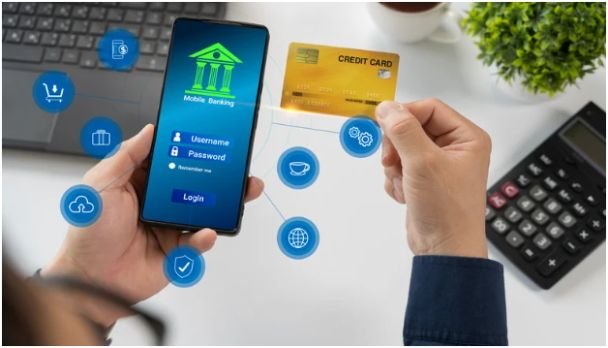
How you handle your wallet daily influences security more than many realize.
Credit Cards Over Debit Cards
I link my wallet to credit cards rather than debit cards for added fraud liability protection. Banks usually cover credit card disputes more comprehensively.
Minimize Wallet Load and Monitor Statements
Carrying only daily spending funds in my wallet reduces potential losses. Weekly account reviews let me catch unauthorized micro-transactions early.
Disable Bluetooth in Public Spaces
Wireless protocols are convenient but risky in crowded areas. I turn off Bluetooth and other wireless sharing features when outside to avoid potential data interception.
Phishing and Scam Prevention
Even the most secure wallets are vulnerable to social engineering attacks.
Only Official Apps
I only download wallets from Google Play or Apple App Store. Third-party APKs or unofficial stores often carry malware.
Ignore Suspicious DMs and Emails
Wallet providers never ask for PINs or backup phrases over social media. Always verify the sender address before clicking links.
Keep Backup Phrases Offline
I store my recovery phrases physically and never type them into websites. This prevents exposure to phishing sites or keyloggers.
Original Insight: Transaction Testing Method
A tip I learned from my experience is to test new wallets by performing a small $1 transaction first. If any unusual verification or errors occur, it’s easier to resolve with minimal risk. This simple method combines operational safety with practical testing.
Conclusion: Keep Your Wallet Fort Knox-Level Secure
Your digital wallet is only as secure as the combination of technology and habits you apply. By understanding security features in digital wallets, enforcing strong authentication, maintaining device and network security, and avoiding scams, you create multiple layers of defense.
Next step: pick one new habit today—maybe enable 2FA or reduce wallet funds—and make it a permanent part of your routine. The more layers you add, the safer your money and identity become.
FAQ
Q1: How often should I update my digital wallet app?
A: Update whenever a new version is available. Most updates patch security vulnerabilities.
Q2: Is biometric authentication enough to secure a wallet?
A: No, combine biometrics with a strong passcode and 2FA for layered protection.
Q3: Can public Wi-Fi ever be safe for wallet use?
A: Only if you use a trusted VPN and avoid accessing full balances or authorizing payments.
Q4: Should I store all my cards in one wallet?
A: Limit the wallet to daily spending cards. This reduces exposure if the device is compromised.
Q5: What is tokenization in digital wallets?
A: Tokenization replaces your real card number with a unique digital identifier, preventing exposure of sensitive data.