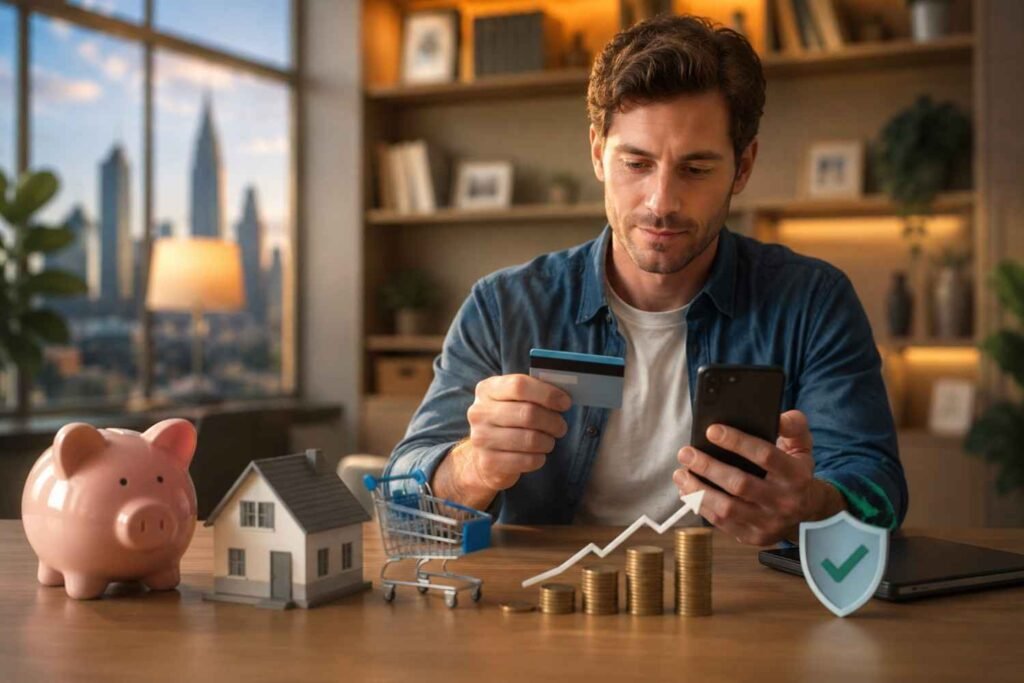
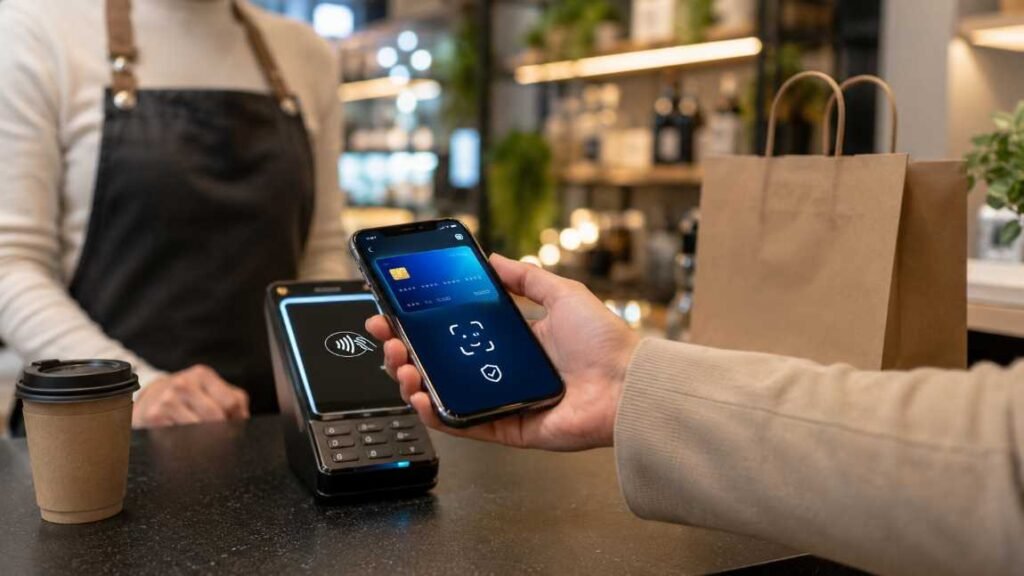
I trust my phone more than my physical wallet, but only because I set it up properly. The best practices for digital wallet use are simple: lock the device, verify every payment, avoid risky networks, and monitor transactions fast.
A digital wallet can feel safer than handing over a card because it hides your real card number during many contactless payments. Still, your wallet is only as safe as the phone, network, and habits behind it. I have seen people protect the app but ignore scam texts, public Wi-Fi, or weak passcodes. That is where trouble starts.
What Makes Digital Wallets Safe, and Where Risk Still Lives
Digital wallets like Apple Pay, Google Wallet, and Samsung Wallet do not usually send your actual card number to a merchant. They use tokenization or virtual account details to process payments more safely. That helps reduce card exposure at checkout.
But tokenization does not protect you from every problem. If someone steals your unlocked phone, tricks you into sending money, or gets your one-time password, the wallet itself cannot save you. The real risk often comes from phishing, malware, fake support messages, poor passwords, and rushed peer-to-peer transfers.
That is why I use a simple rule: a digital wallet is safest when every payment needs three things: your device, your authentication, and your attention.
Best Digital Wallet for Contactless Payments: Which One Should You Use?
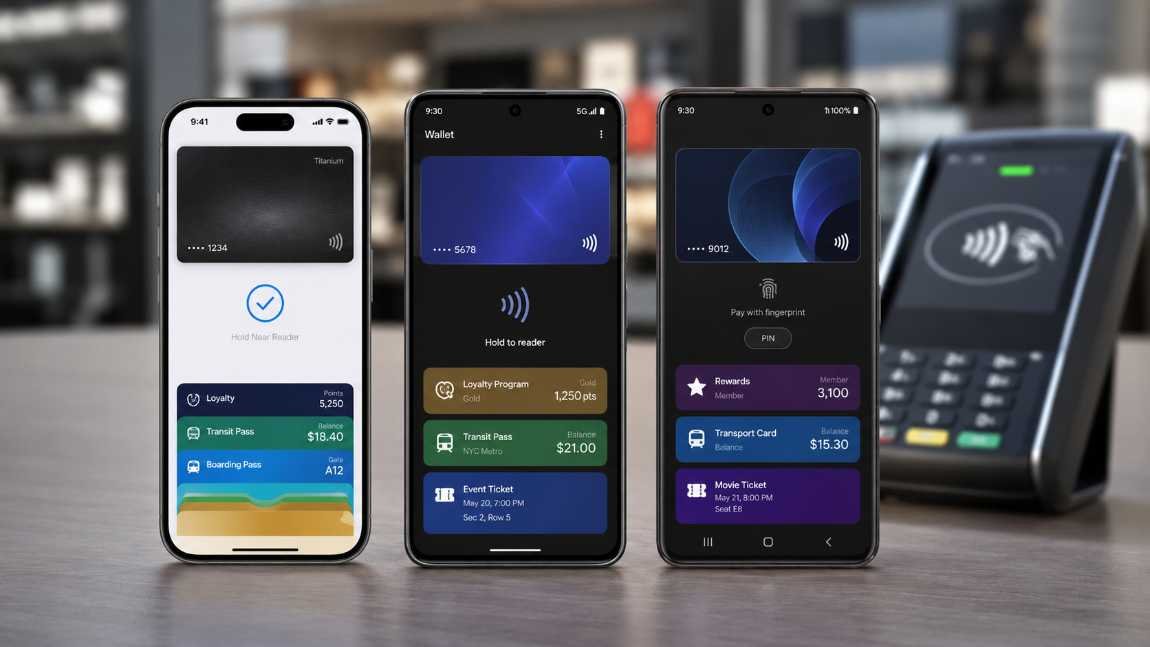
The best digital wallet for contactless payments depends on your phone and where you shop. For most US users, Apple Pay and Google Wallet are the easiest choices because they work natively on iOS and Android.
Apple Pay for iPhone Users
Apple Pay is my top choice for iPhone users because it works directly through iPhone and Apple Watch. You do not need a separate payment app. It also requires Face ID, Touch ID, or a passcode before payment.
Apple Pay is accepted at many US stores that support contactless payments. It works at grocery stores, pharmacies, vending machines, taxis, restaurants, and many transit systems. If you use an Apple Card, the instant cash-back experience also makes it useful for rewards.
Google Wallet for Android Users
Google Wallet is the natural fit for Android users. It works at stores that show the contactless symbol or Google Pay mark. I like it because it can also hold boarding passes, transit cards, loyalty cards, and event tickets.
For everyday payments, Google Wallet is best when your phone has a strong screen lock and updated software. If you leave your phone unlocked often, you weaken one of its most important protections.
Samsung Wallet for Galaxy Users
Samsung Wallet is a strong option for Galaxy users. It combines payment cards, digital keys, loyalty programs, IDs where supported, and memberships in one app. Samsung Knox and biometric verification add another security layer.
I would choose Samsung Wallet over Google Wallet only if you prefer Samsung’s ecosystem and use a compatible Galaxy phone or watch.
Merchant Wallets for Rewards
Merchant wallets are not always the best for general payments, but they can be excellent for loyalty rewards. Starbucks is a strong example because the app combines payment and rewards. Walmart Pay is also useful because Walmart does not rely on standard NFC wallets at all registers. It uses QR codes through the Walmart app.
That means the best digital wallet for contactless payments is not always one app. I use a primary wallet for everyday tap-to-pay and merchant wallets only when the rewards justify the extra app.
Best Practices for Digital Wallet Use Before You Tap to Pay
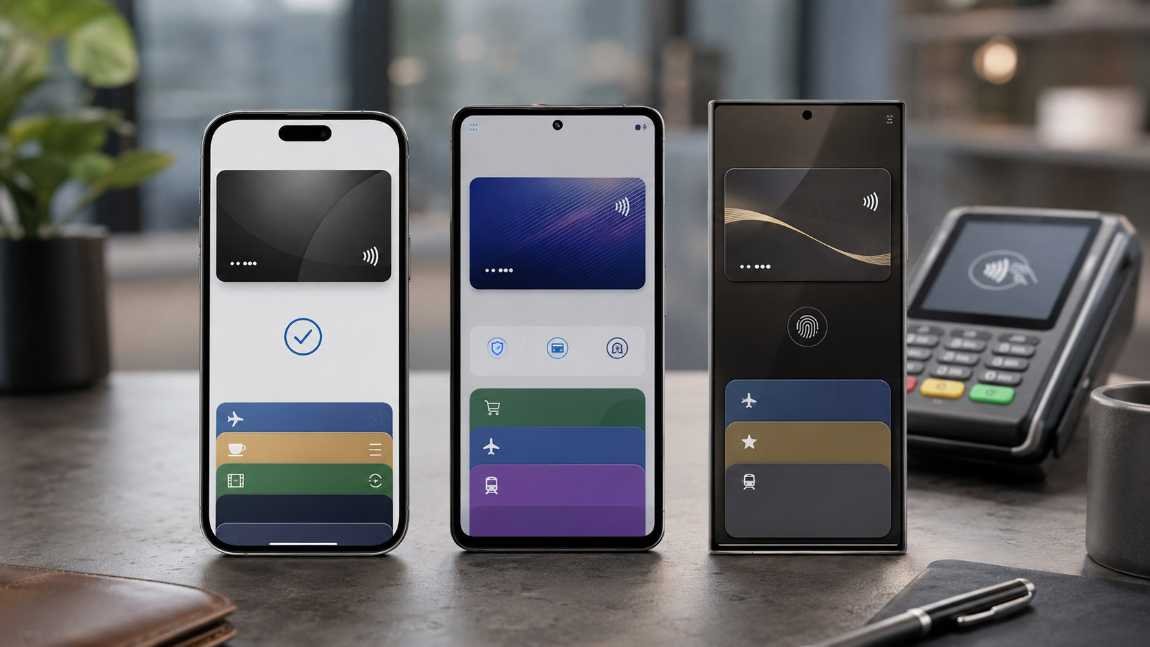
Strong wallet habits start before you reach checkout. I treat wallet setup like setting up a bank account, not like downloading a shopping app.
Before adding cards or payment accounts, follow a step by step digital wallet setup guide so your wallet starts with the right security settings from day one.
Lock Your Phone Like It Holds Your Bank Account
Use Face ID, fingerprint unlock, or a strong passcode. Do not rely on a simple four-digit PIN if your phone allows a stronger code. Avoid birthdays, anniversaries, house numbers, or repeated digits.
I also recommend turning on “Find My” for iPhone or “Find My Device” for Android. If your phone disappears, you need the ability to locate it, lock it, or wipe it remotely.
Use Strong Passwords and a Separate Wallet PIN
Use unique passwords for your Apple ID, Google Account, Samsung Account, bank apps, and card accounts. A password manager helps you create long passwords without memorizing them.
If your wallet or payment app lets you set a separate PIN, use one that does not match your phone unlock code. That way, one exposed code does not unlock everything.
Download Wallet Apps Only From Official Stores
Only install digital wallets from the Apple App Store, Google Play Store, Samsung Galaxy Store, or the official merchant app page. Fake payment apps and cloned brand apps can steal login details.
This matters most when a text message says, “Download this app to fix your payment.” I never install apps from random links. I open the official app store myself and search from there.
Best Practices for Digital Wallet Use on Wi-Fi and Mobile Networks
Your wallet app may be secure, but your network still matters. I avoid treating every Wi-Fi signal as safe.
Avoid Public Wi-Fi for Wallet Transactions
Do not log into bank apps, wallet apps, or payment accounts on open public Wi-Fi. Airports, hotels, cafés, and shopping centers often have shared networks that attackers can abuse.
If I need to pay or check a wallet balance outside, I use cellular data. It is a small habit that removes a large risk.
Keep Your Phone and Wallet Apps Updated
Software updates patch known security problems. Turn on automatic updates for your phone, wallet apps, bank apps, and browser.
This is one of the best practices for digital wallet use because it protects against issues you may never see. You do not need to understand every vulnerability. You just need to close the door before someone uses it.
Secure Your Home Wi-Fi
Your home network should use WPA2 or WPA3 encryption. Change the default router password and avoid sharing your main Wi-Fi password with everyone who visits.
A safer home network protects more than your wallet. It also protects your laptop, smart devices, and banking sessions.
Smart Payment Habits That Reduce Wallet Risk
Security settings help, but daily habits catch problems faster.
Turn On Instant Transaction Alerts
Set push notifications, SMS alerts, or email alerts for every wallet and bank transaction. I prefer instant alerts because they show unauthorized charges within seconds.
Small test charges matter. Scammers often try low-dollar payments before larger ones.
Keep Wallet Balances Low
Do not store large balances in prepaid wallet apps unless you have a clear reason. Link a secure credit card or debit card instead. Credit cards may offer stronger dispute protections than stored wallet balances.
This habit also limits damage if an account gets compromised.
Set Spending Limits Where Possible
Some banks and wallet apps let you set daily limits, card controls, or merchant restrictions. Use them. A daily cap can turn a serious loss into a manageable inconvenience.
For children, teens, or shared family devices, spending limits are even more important.
Check Payment History Weekly
I check wallet history and bank statements once a week. It takes less than five minutes. Look for duplicate charges, unfamiliar merchant names, tiny test payments, and subscriptions you forgot to cancel.
Weekly review works better than panic-checking only after a fraud alert.
Fraud Prevention Rules I Never Skip
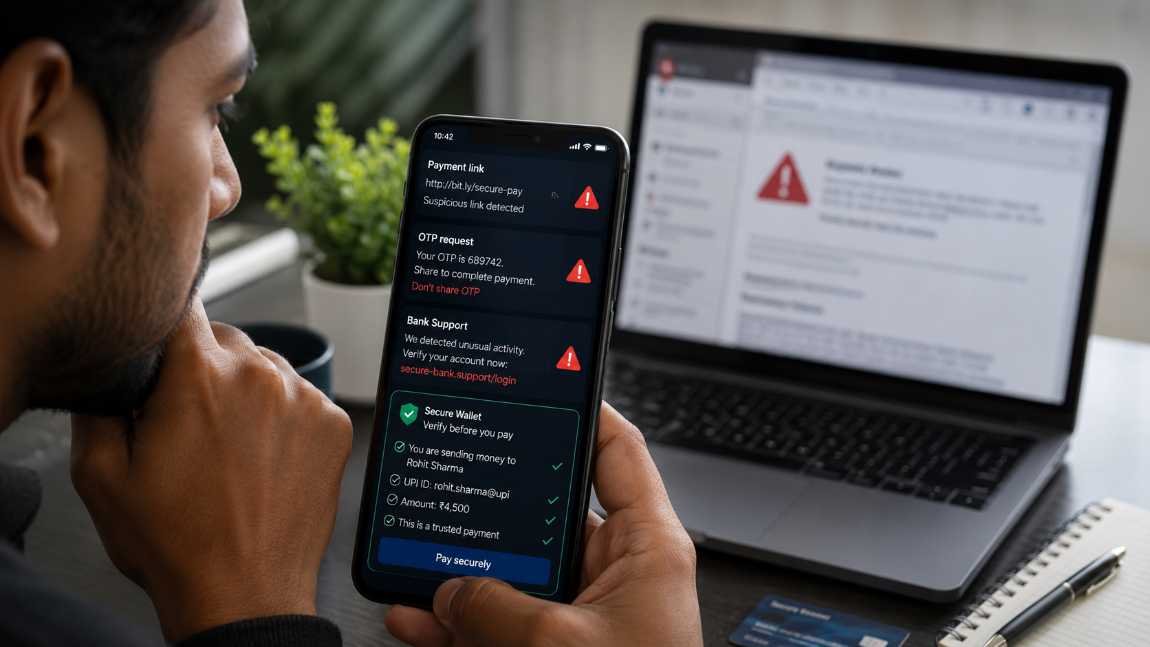
Most wallet losses happen because someone convinces the user to approve the payment. That is why scam prevention deserves its own section.
Verify the Recipient Before Sending Money
Before sending money through a peer-to-peer app, check the recipient’s name, phone number, username, email, and payment ID. If the payment is large, send a tiny test amount first or confirm by phone.
Once you send money to the wrong person, recovery may be difficult.
Treat Payment Links Like Suspicious Packages
Do not click payment links from unexpected texts, emails, or social messages. Scammers copy bank logos, delivery alerts, utility notices, and subscription warnings.
My rule is simple: I never log in through a payment link. I open the official app or website directly.
Never Share OTPs or Login Codes
No real bank, wallet provider, or support agent needs your one-time password. Do not share OTPs, card codes, passwords, recovery codes, or screen-sharing access.
If someone pressures you to act fast, slow down. Urgency is a scammer’s favorite tool.
Digital Wallet Rewards, Loyalty Cards, and Small Business Use
Digital wallets are not only for payments. They also help organize loyalty cards, coupons, transit passes, boarding passes, and rewards.
For shoppers, this means fewer missed perks. To get more value from stored loyalty cards and wallet offers, shoppers can learn to maximize digital wallet rewards without juggling too many apps.
For brands, it creates a cleaner way to keep customers engaged. A local café, salon, fitness studio, or retail shop can use digital passes to send reward updates, birthday offers, and visit-based incentives.
That is why digital wallets for small business loyalty rewards are becoming more useful. Customers do not need another plastic card. They can keep offers inside the wallet they already use.
The key is balance. Use merchant wallets when they give clear value. Do not overload your phone with every rewards app you see.
Common Mistakes That Make Digital Wallets Less Safe
The biggest mistake is thinking the wallet does all the work. It does not. You still need strong phone security, cautious payment behavior, and transaction monitoring.
Another mistake is using the same password across financial accounts. If one account leaks, every linked account becomes easier to attack.
A third mistake is ignoring old devices. Remove cards from phones, watches, or tablets you no longer use. Before selling or trading in a device, sign out, erase it, and confirm the wallet cards are removed.
Finally, many users forget about app permissions. A payment app does not need unlimited access to everything on your phone. Review permissions and remove apps you no longer trust.
FAQs
1. What are the safest best practices for digital wallet use?
The safest habits include biometric authentication, strong passwords, instant transaction alerts, automatic updates, low wallet balances, and avoiding public Wi-Fi for payments.
2. Is a digital wallet safer than a physical card?
In many contactless situations, yes. Digital wallets often use tokenized payment details instead of exposing your real card number. But they still require strong phone security and scam awareness.
3. What is the best digital wallet for contactless payments in the US?
Apple Pay is usually best for iPhone users, while Google Wallet is best for Android users. Samsung Wallet is a strong option for Galaxy users. Merchant wallets are best when rewards matter.
4. Should I keep money inside a digital wallet?
Keep only what you need. Large stored balances can increase risk. For most people, linking a secure card and monitoring transactions is smarter.
The Tap-to-Pay Glow-Up Starts With Smarter Habits
I like digital wallets because they make checkout faster, cleaner, and easier. But convenience should not make you careless. The best practices for digital wallet use are not complicated. Lock your phone, update your apps, avoid sketchy links, check every payment, and keep alerts on.
Your wallet should feel effortless, not exposed. Set it up once, build safer habits, and make every tap a little smarter.