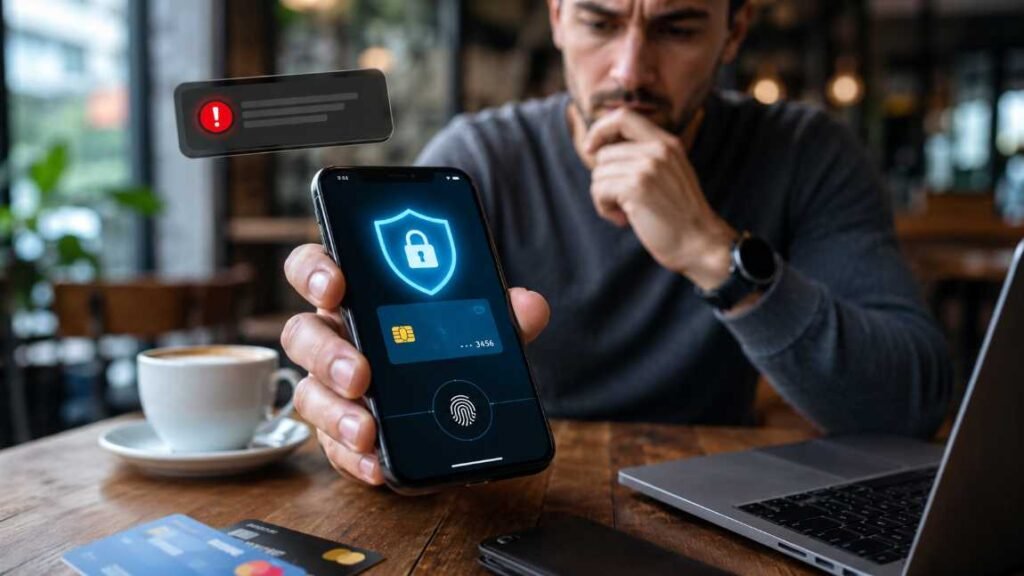
A digital wallet can save time, but one careless tap can cost real money. I use mobile payments often, so I treat wallet security like locking my front door before leaving home.
The best digital wallet fraud protection tips start with one idea: make fraud harder before anything goes wrong. Biometrics, alerts, spending limits, safe networks, and scam awareness work together. No single setting protects everything.
Why Digital Wallet Fraud Feels So Sneaky
Digital wallets feel safer than carrying cards because your real card number usually stays hidden. Apple Pay and Google Pay use tokenization, which replaces sensitive card details with a device-specific or transaction-specific value.
That helps, but it does not stop every threat.
Most wallet fraud happens through stolen phones, phishing links, fake customer support, QR code tricks, weak device locks, or user mistakes. The fraudster does not always need your card number. Sometimes, they only need you to approve the wrong payment.
That is why I focus on behavior, not just technology. Strong wallet security starts before you reach the checkout screen.
Start With the Lock Screen Before the Wallet App
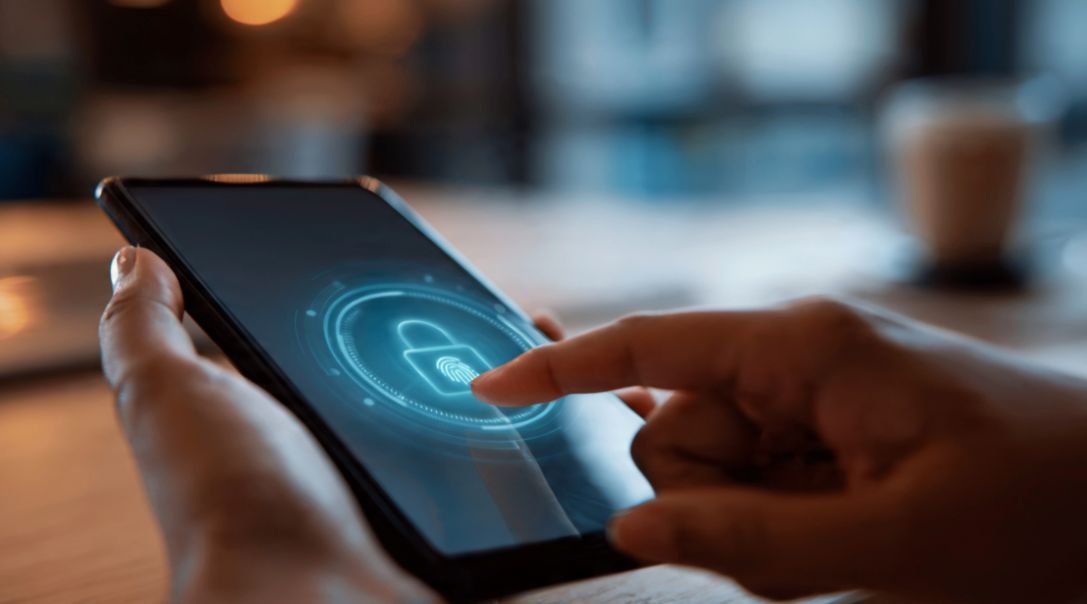
Your wallet app is only as secure as the phone holding it. If someone can unlock your device, read your messages, and access your email, they may also reset passwords or approve payments.
Use Biometrics for Every Payment
Enable Face ID, fingerprint login, or a strong device PIN. Then check your wallet settings and require verification before each payment.
I avoid simple four-digit PINs because they are easy to guess from smudges, birthdays, or repeated use. A six-digit PIN is better. Biometrics are even stronger when your phone supports them.
Also keep your phone locked when it leaves your hand. That sounds basic, but it blocks many real-world theft risks.
Turn On Remote Erase Before You Need It
Set up Apple Find My or Google Find My Device now. Do not wait until your phone disappears at an airport, café, gym, or rideshare.
Remote tracking helps you locate the device. Remote erase helps you protect wallet data, saved passwords, emails, and recovery codes. I also recommend saving your bank’s official fraud number somewhere outside your phone.
If your phone is stolen, you do not want to search for support details from memory.
Use the Two-Wallet Rule to Limit Damage
Here is the original rule I use: never keep every payment option in one place.
A physical wallet should not carry every card you own. A digital wallet should not either. This simple habit can lower your risk if your phone, app, or account gets compromised.
To get more value while staying organized, you can also learn to maximize digital wallet rewards without adding unnecessary cards or risky payment habits.
Keep Daily Spending Separate
Use one primary wallet for everyday spending. Keep only the cards you actually use. Remove old cards, expired cards, and payment methods linked to accounts you rarely check.
For peer-to-peer payment apps, avoid leaving a large balance inside the app. Move extra funds to your bank account. Payment apps are useful for quick transfers, but they are not always the best place to store money long term.
If you are still setting up your wallet, follow a proper step by step digital wallet setup guide before adding multiple cards or payment accounts.
Treat Crypto Wallets Differently
Cryptocurrency wallets need stricter rules because crypto transactions are usually irreversible. If funds leave your wallet, a bank or support team may not be able to reverse the transfer.
For long-term crypto holdings, use cold storage through a hardware wallet. Keep your recovery seed phrase offline. Write it on paper or engrave it on a steel backup. Never store it in screenshots, email, notes apps, cloud drives, or password managers.
Use a low-balance hot wallet for small daily transactions. Keep long-term assets in a separate cold wallet. This simple split reduces damage if a browser wallet, wallet app, or connected dApp gets compromised.
Before connecting to a decentralized app, check the website, smart contract permissions, and wallet approval screen. Do not approve unlimited permissions without knowing what they allow.
Stop Phishing, QR Code, and Fake Support Scams
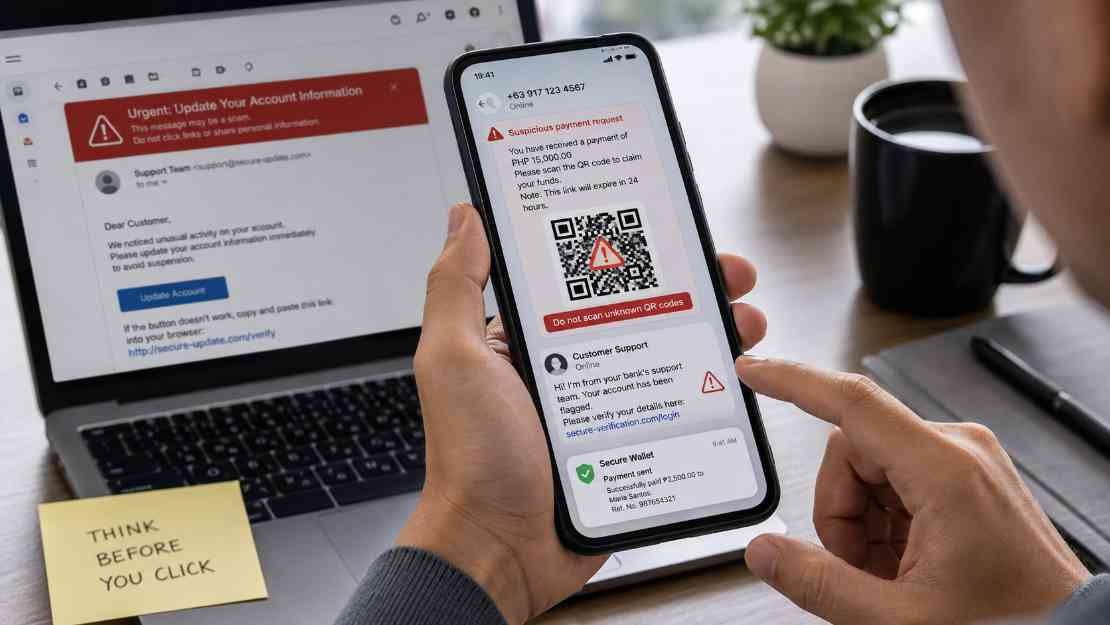
Fraudsters often attack your attention, not your encryption. They create panic, urgency, or greed. Then they push you to tap before thinking.
Common traps include fake refund messages, delivery alerts, bank warnings, prize notifications, tax threats, and “account locked” emails.
Never Share PINs, OTPs, or Seed Phrases
No real bank, wallet provider, exchange, or support agent needs your wallet PIN, one-time password, private key, or seed phrase.
If someone asks for it, treat it as fraud.
This applies to normal digital wallets and crypto wallets. For crypto, the seed phrase is the wallet. Anyone with that phrase can move your assets.
I also avoid reading OTPs aloud on phone calls. Scammers may pretend to be bank staff, tech support, or fraud investigators. Real support teams can verify you without asking for secret codes.
Check Links, Recipients, and Payment Screens
Before paying, check the recipient name, username, amount, and final confirmation screen. One wrong tap can send money to the wrong person.
Be careful with QR codes. Scanning a QR code usually helps you send money, not receive it. If someone says, “Scan this to receive a refund,” pause. That may be a trick.
For crypto transfers, check the full wallet address on your hardware wallet screen. Clipboard malware can replace a copied address with an attacker’s address. Do not trust the pasted address without checking it.
Make Every Transaction Easier to Catch
Fraud protection improves when you catch suspicious activity fast. I do not rely on monthly statements anymore. Real-time alerts are faster.
Turn On Instant Alerts
Enable push notifications, email alerts, or SMS alerts for every wallet transaction. I prefer push alerts because they appear quickly and are harder to miss.
Set alerts for card payments, wallet transfers, bank withdrawals, crypto exchange logins, and new device sign-ins. If your app allows custom alerts, set them for even small amounts. Fraudsters sometimes test accounts with tiny transactions before larger theft.
Set Spending and Withdrawal Limits
Lower daily payment limits where possible. This does not stop all fraud, but it can limit the damage.
For banking apps and payment apps, check daily transfer limits. For crypto exchanges, turn on address whitelisting. That means withdrawals can only go to pre-approved wallet addresses.
Use multi-factor authentication for exchange accounts. Choose an authenticator app or hardware security key when possible. Avoid SMS-based two-factor authentication because SIM-swap scams can put your phone number in someone else’s hands.
Protect Your Wallet on Public Networks and Devices
Public Wi-Fi is not the right place for financial transactions. I avoid sending payments on café, hotel, airport, and mall networks.
Use mobile data when paying, transferring funds, or logging into wallet accounts. If you must use Wi-Fi, avoid unknown open networks and never ignore browser warnings.
Also keep your phone and wallet apps updated. Updates patch security flaws that criminals may already know how to exploit.
Download wallet apps only from the Apple App Store, Google Play Store, or the official developer website. Fake wallet apps can steal logins, seed phrases, or card data. This matters even more with crypto wallets because fake apps often copy real branding.
These digital wallet fraud protection tips work best when you use them together. A secure phone, clean apps, real-time alerts, and cautious payment habits create stronger protection than any single feature.
What to Do If Your Digital Wallet Is Compromised
Act fast, but do not panic.
First, freeze the card inside the wallet app or banking app. Then contact your bank, card issuer, exchange, or wallet provider through the official website or the number printed on your card.
Change passwords from a clean device. Remove unknown devices from your account. Review recent transactions and report unauthorized charges.
If your phone was stolen, use remote lock or remote erase. Then contact your mobile carrier to protect your number.
If a crypto seed phrase or private key may be exposed, create a brand-new wallet on a clean device. Transfer remaining assets immediately. Do not reuse the compromised wallet.
For scams involving payment apps, report the incident to the provider and your financial institution. For crypto scams, report details to the FBI Internet Crime Complaint Center. Keep transaction IDs, wallet addresses, screenshots, dates, and messages.
FAQs
1. What are the best digital wallet fraud protection tips for beginners?
Start with a strong phone lock, biometric payment approval, instant alerts, app updates, and official app downloads. Then set spending limits and avoid public Wi-Fi when making payments.
2. Can someone steal money from my digital wallet without my phone?
Yes. Fraud can happen if someone steals your login, tricks you into sharing an OTP, compromises your email, or accesses a linked payment account. Device security helps, but account security matters too.
3. Is Apple Pay or Google Wallet safer than using a card?
They can be safer for in-store and online payments because they use tokenization and device authentication. Still, you must protect your phone, account login, and payment approvals.
4. How do I protect my crypto wallet from fraud?
Use a hardware wallet for long-term storage, keep your seed phrase offline, avoid fake wallet apps, verify recipient addresses, and never approve smart contract permissions you do not understand.
Final Swipe: Keep the Convenience, Ditch the Drama
I like digital wallets because they make payments fast, clean, and simple. I do not like giving scammers an easy opening.
The smartest digital wallet fraud protection tips are not complicated. Lock the device, verify every payment, separate high-risk funds, ignore fake urgency, and watch alerts like a hawk.
Before your next tap, check one setting: transaction alerts. Turn them on now. That tiny notification may be the reason you catch fraud before it becomes expensive.